
Search Connecticut Jail Roster
Connecticut jail roster searches begin with CT DOC because incarceration records are managed through a statewide system. This page explains where to search, what each custody field means, and how to pair inmate information with court records for a fuller picture. Connecticut unified county jails and state prisons under one department in 1968, so records requests are routed differently than in many states. Use the search section below, then follow the source links to confirm identity details, housing location, and court status with fewer delays.
Connecticut Jail Roster Quick Facts
Connecticut Jail Roster Start Point
The official inmate portal is ctinmateinfo.state.ct.us. Use a last name search first, then narrow by first name or date of birth. The DOC inmate information page at portal.ct.gov/doc/miscellaneous/inmate-information explains public fields such as accused status, sentenced status, facility location, admission date, and release estimates.
Connecticut does not operate county jail systems as separate databases. The state correction model, unified in 1968, means custody tracking runs through CT DOC. The DOC Public Information Office is listed at (860) 692-7780 and 24 Wolcott Hill Road, Wethersfield, CT 06109. Youthful offender records and federal immigration detainer cases are excluded from the public lookup, so a missing result does not always mean no related record.
The source for this screenshot is CT DOC Inmate Search - Inmate Search Portal. It helps confirm where to start a Connecticut jail roster search.
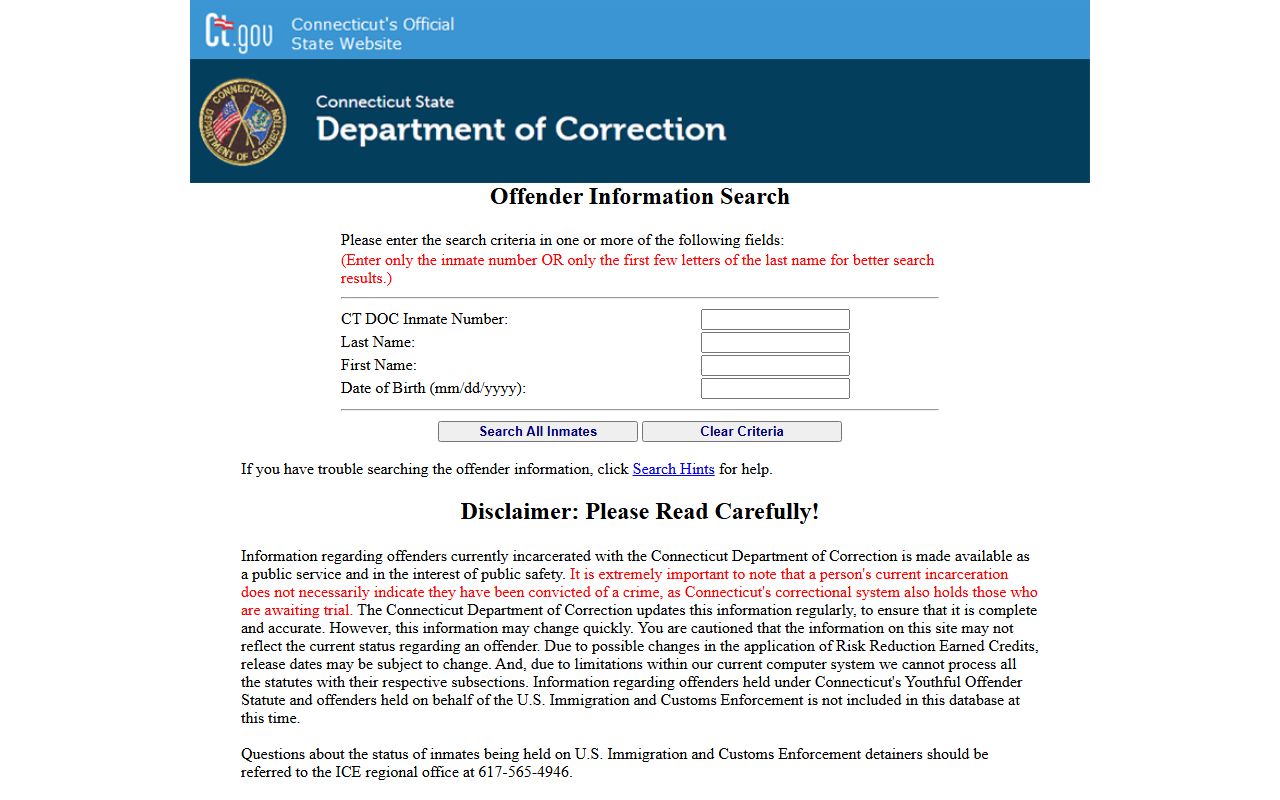
Use the source page with the CT DOC inmate system so your request includes both local context and current custody details.
The source for this screenshot is CT Judicial Case Lookup. It helps confirm where to start a Connecticut jail roster search.
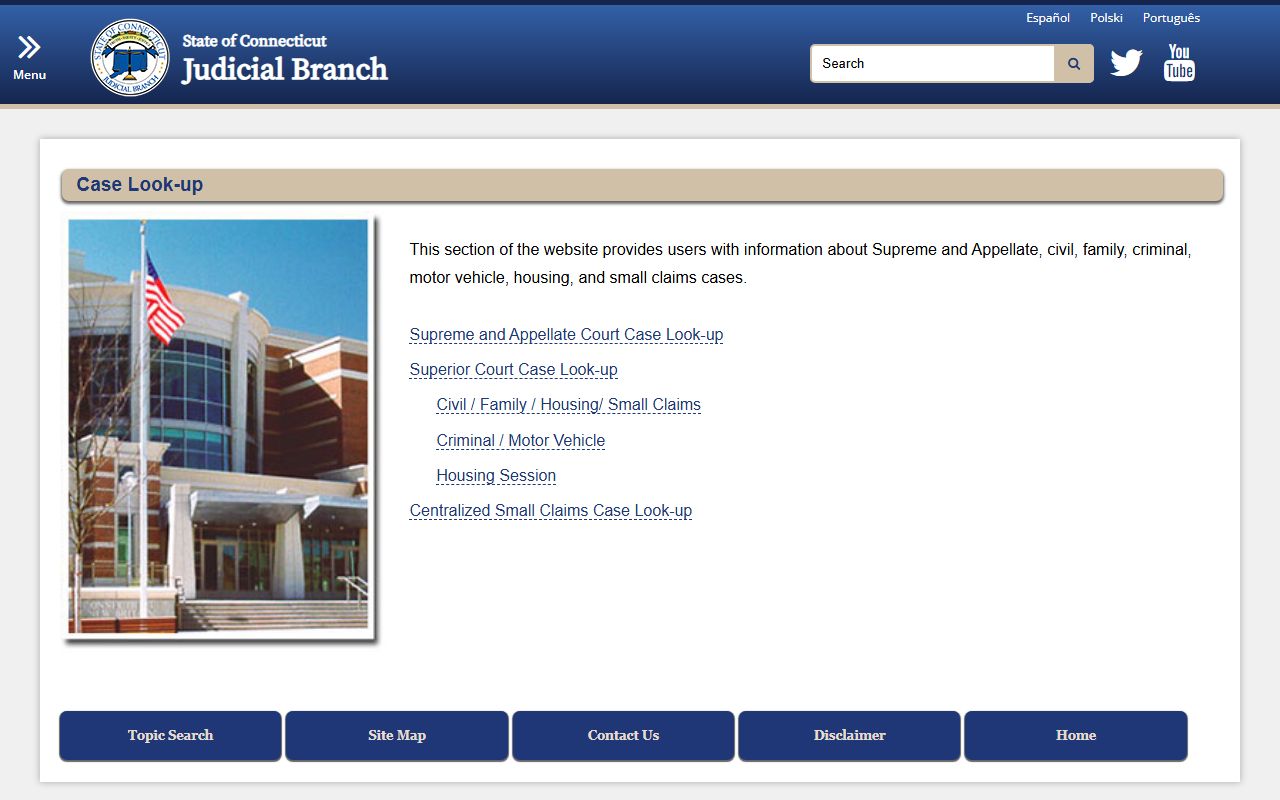
Use the source page with the CT DOC inmate system so your request includes both local context and current custody details.
The source for this screenshot is LexisNexis Accident Reports. It helps confirm where to start a Connecticut jail roster search.
Use the source page with the CT DOC inmate system so your request includes both local context and current custody details.
Connecticut Jail Roster and Court Records
Custody records and court records are connected but not identical. For court-side verification, use Judicial case lookup and criminal dockets. Court filings may update on a different schedule than custody data, especially during active case processing.
For public access rules, key statutes include CGS 54-142k, CGS 1-210, CGS 1-215, and CGS 29-11. Together they define what is generally public, what can be withheld for safety reasons, and how criminal record systems are managed at the state level.
Connecticut Jail Roster Workflow
Use this order for more reliable results:
- Search CT DOC by name or inmate number
- Confirm identity with date of birth and status fields
- Check Judicial Branch tools for case activity
- Review local agency links for supporting context
- Submit focused requests to DOC when needed
Focused requests should include name, date range, and known identifier details. Broad requests take longer and often need follow-up clarification.
Connecticut Jail Roster Resources
Connecticut Department of Correction | DOC inmate information | DOC FAQ | DOC facilities | Family and friends resources | Judicial case lookup | Criminal dockets | LexisNexis report portal
Browse Connecticut Jail Roster by County
Select a county page for county-level facility links, city coverage, and CT DOC request guidance.
Browse Connecticut Jail Roster by City
Select a city page for local agency links and statewide custody lookup steps.
Connecticut Jail Roster Practical Tips
Gather key identifiers before you search. A full legal name is the minimum, and date of birth is the most helpful secondary field. If you already know a DOC number, use it first because it narrows the result quickly. Keep a short log with search date and time so you can compare changes if custody status updates later.
When names are common, do not rely on one field. Check multiple details together, including status wording, location, and admission date. A reliable lookup process avoids accidental matches and prevents repeat requests. If you plan to share the record with family or legal counsel, capture the source link and save the exact page used for reference.
Use local pages as support, not as a replacement for CT DOC inmate records. City and county pages can provide context such as records request instructions, but statewide custody status is maintained through CT DOC. Pair custody data with Judicial Branch tools when you need a stronger timeline for case and confinement activity.
Connecticut Jail Roster Request Strategy
Focused requests are processed more efficiently than broad requests. Include the person name, known identifiers, and a narrow date range. State clearly whether you need current custody details, historical status, or supporting court references. This helps staff route your request to the correct office without extra clarification cycles.
For family support issues, the DOC family and friends page is often faster than searching general pages. It includes guidance on communication, visits, and related services. For legal timeline work, combine docket records and custody records on the same date range so discrepancies can be identified quickly.
Connecticut Jail Roster Common Issues
The most common issue is a partial match with a similar name. Resolve that by checking multiple fields together instead of relying on one value. Compare date of birth, status language, and facility details. If those fields do not align, continue searching before filing a records request.
Another common issue is timing. Court records and custody records do not always update at the same moment, especially around hearings, transfers, and release actions. When timing matters, review both systems on the same day and keep notes for each source checked.
If a needed detail is missing, submit a focused follow-up using the DOC contact path and include the exact field that needs clarification. Clear, narrow requests get better results than broad requests asking for all records at once.